Compatibility
Minecraft: Java Edition
Platforms
Supported environments


Tags
Creators
Details









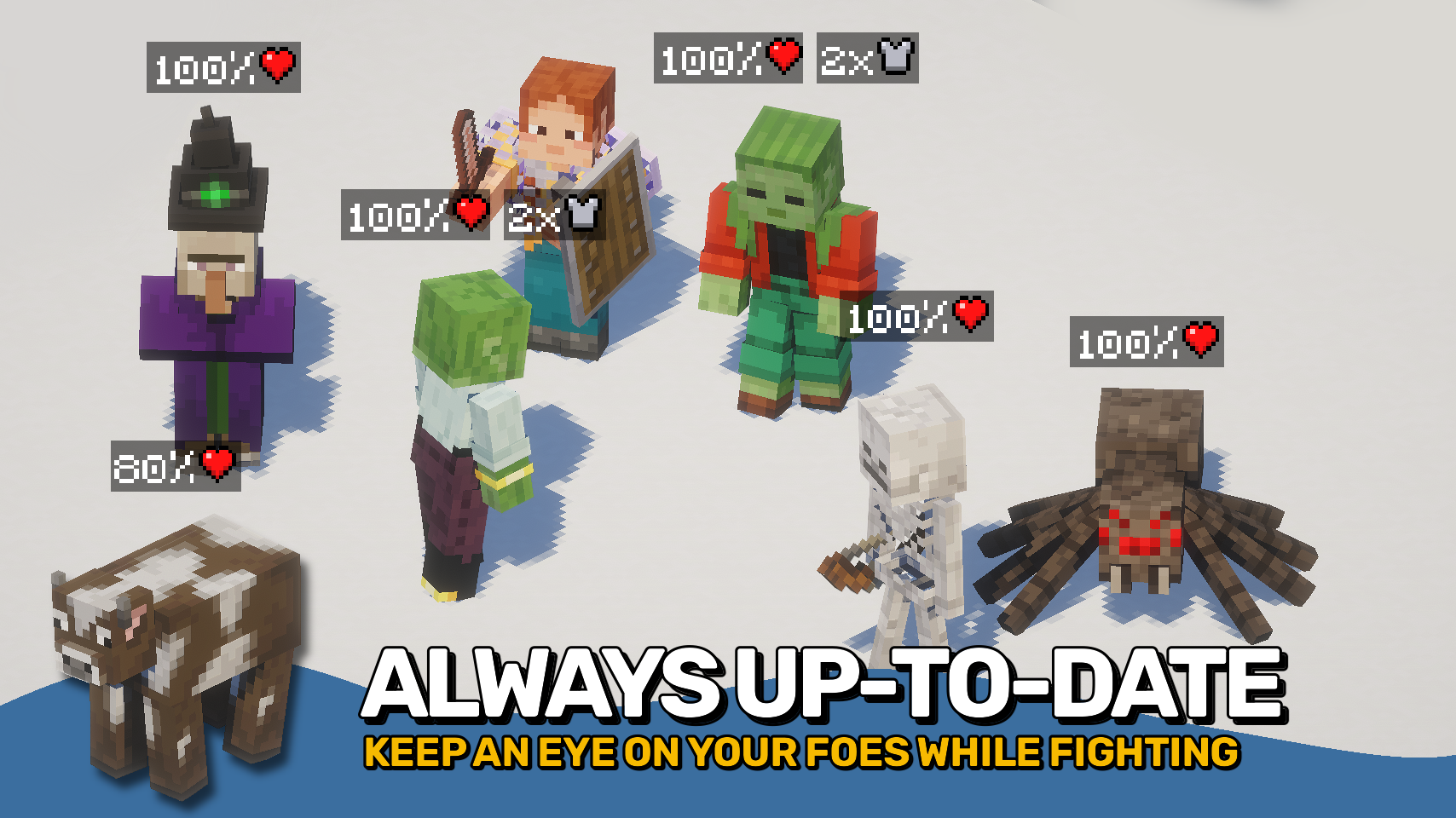
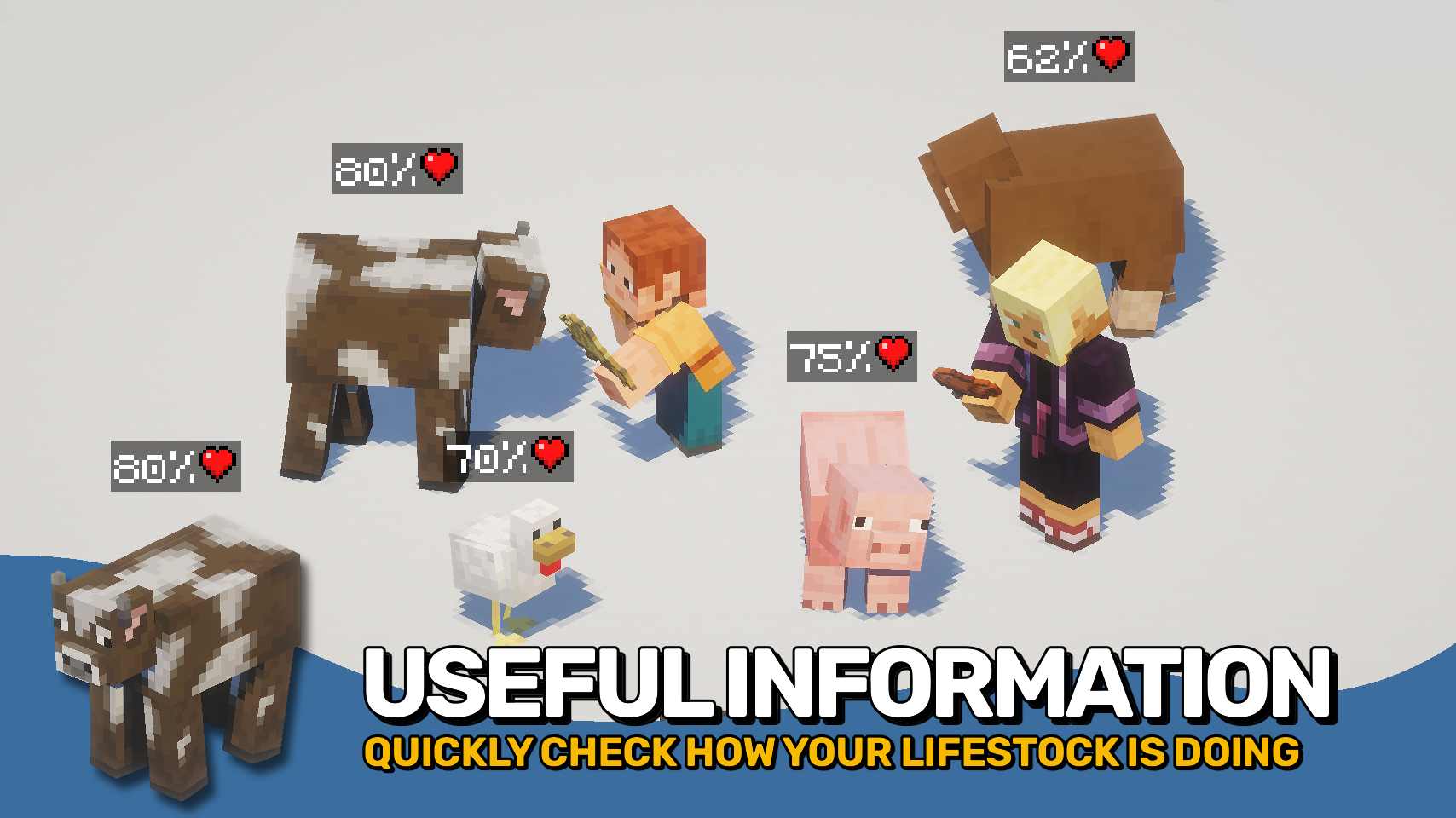
Mob Plaques adds compact status displays above mobs, letting you quickly see important information without cluttering your screen. Health, armor, armor toughness, and air supply are shown using familiar Minecraft-style icons that feel right at home in the game. ❤️
Whether you're fighting monsters, managing animals, exploring underwater, or taking on bosses, the mod helps you judge a mob's condition at a glance. The plaques stay small and unobtrusive while still providing the information that matters most. 🛡️
This mod is designed to fit a wide range of playstyles, with flexible visibility options, support for many different entity types, and an in-game toggle whenever you want a cleaner view. 👁️

- ❤️ Health Plaques: Display mob health above entities using familiar Minecraft heart icons.
- 🛡️ Armor & Toughness: See armor and armor toughness values without guessing.
- 🫧 Air Supply Display: Track remaining air when mobs are underwater and running out of breath.
- 🎯 Focus Mode: Optionally show plaques only for the entity you are looking at.
- 🐺 Flexible Entities: Display plaques for mobs, monsters, bosses, players, mounts, tamed animals, and more.
- 🪄 Distance Scaling: Scale plaques based on proximity for better readability.
- 👁️ Visibility Options: Adjust render distance, scaling, positioning, brightness, wall visibility, and other display settings.
- ⌨️ Quick Toggle Keybind: Enable or disable all plaques at any time with a configurable keybind.


⏩ INSTALLATION REQUIRED ON CLIENT
⏩ REQUIRES PUZZLES LIB TO BE INSTALLED (FABRIC & NEOFORGE)
⏩ REQUIRES FABRIC API TO BE INSTALLED (FABRIC)
⏩ REQUIRES FORGE CONFIG API PORT TO BE INSTALLED (FABRIC)

If available for a mod, configuration is possible directly from in-game using the mod menu (requires Mod Menu by Prospector to be installed on Fabric).
For manual configuration using an external text editor all files are found at .minecraft/config, named as MOD_ID-client.toml, MOD_ID-common.toml, or MOD_ID-server.toml, depending on the type of config. Not all types might exist for a mod, if any at all.

🌟 Thanks to satyrnidae for creating Wolf Armor and Storage, whose wolf information display inspired the creation of this mod.
🌟 Several configuration options and customization ideas were inspired by Vazkii's excellent Neat mod.